Skip to content
record · transcribe · deliver

Turn
private meetings
into finished work.

Records and transcribes on your machine. The Pro assistant turns every meeting into minutes, an email and tasks — with nothing uploaded.

  • 100% local
  • Pro assistant
  • secure Paddle checkout
real demo

Watch it work
in 10 seconds

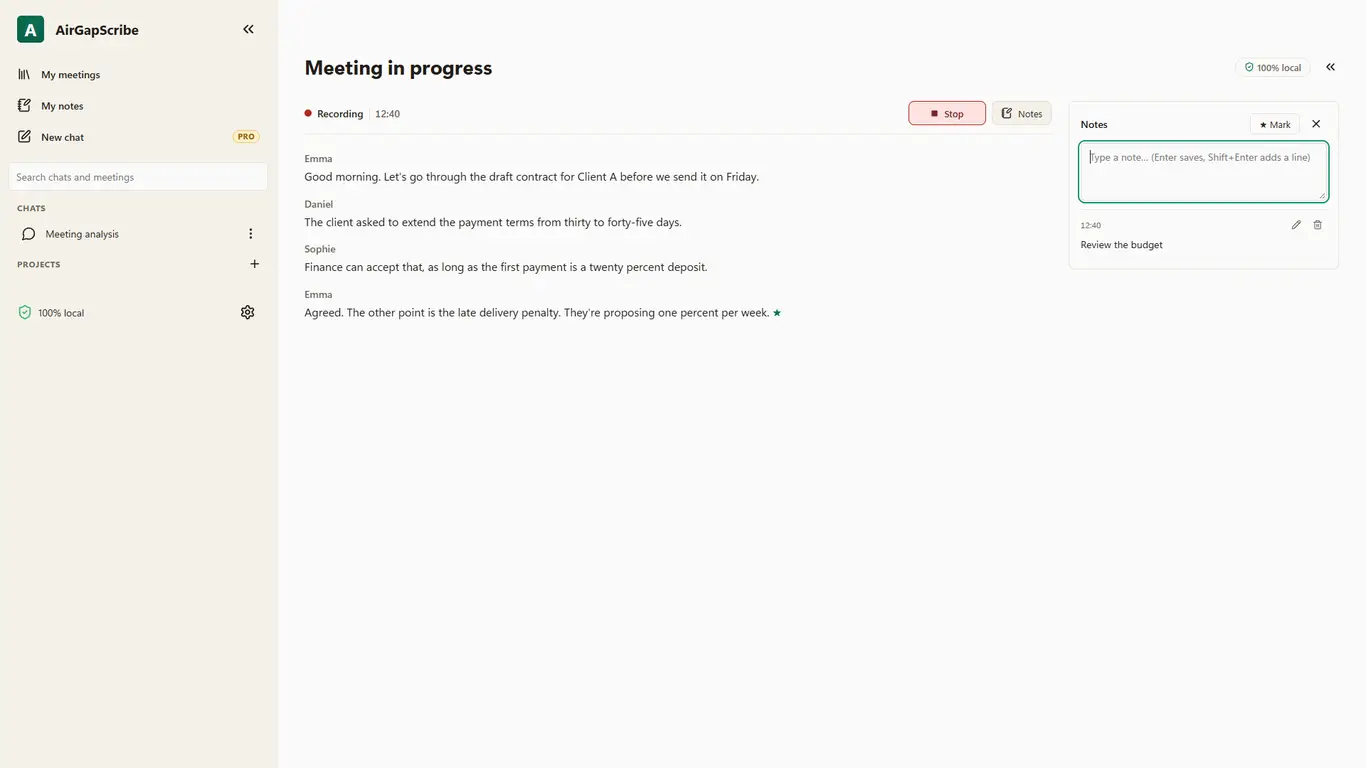
Real recording of AirGapScribe transcribing live. No cuts, no cloud.

▶ Watch with sound · 0:10

demo vs pro

Demo captures the meeting. Pro does the work after.

The transcript is only the starting point. Pro turns private meetings into deliverables you can send, search, and archive.

See Pro
Demo

Demo records and transcribes

Try the local workflow with short sessions, base models, and watermarked .txt export.

  • 10 min per session
  • tiny/base/small models
  • Limited vocabulary
Pro

Pro delivers minutes, follow-ups, and tasks

Unlock unlimited sessions, local assistant, projects, context attachments, and clean exports.

  • Local Pro assistant
  • Minutes, email, and tasks
  • Projects + attachments + clean JSON
what pro unlocks

Pro sells recovered time, not just text

  • Local Pro assistant

    Ask about one meeting or many without sending audio, text, or files to an external server.

  • Minutes, emails, tasks

    Generate deliverables ready to copy or save: minutes, follow-up, and action list.

  • Client projects

    Group meetings by client, case, or team so context is easy to find.

  • Context attachments

    Attach .txt, .md, .pdf, or .docx so the assistant can answer with relevant material.

  • Smart vocabulary

    Unlimited profiles and terms for names, acronyms, products, and sensitive jargon.

  • Clean exports

    Unlimited sessions, advanced models, Markdown export, clean .txt, and structured .json.

pro workflow

From long meeting to ready deliverables in minutes

Pro works over your local transcripts and files. It does not promise magic: it prioritizes context, lower hallucination, and warnings when audio confidence is low.

  1. 01

    Record locally

    Microphone, system audio, or both from the Windows tray.

  2. 02

    Attach context

    Add .txt, .md, .pdf, or .docx so answers use meeting material.

  3. 03

    Ask the assistant

    Find agreements, decisions, and topics across one or many saved meetings.

  4. 04

    Copy the deliverable

    Generate minutes, follow-up email, and tasks with anti-hallucination controls.

local ai in pro

The meeting assistant
runs on your PC not the cloud

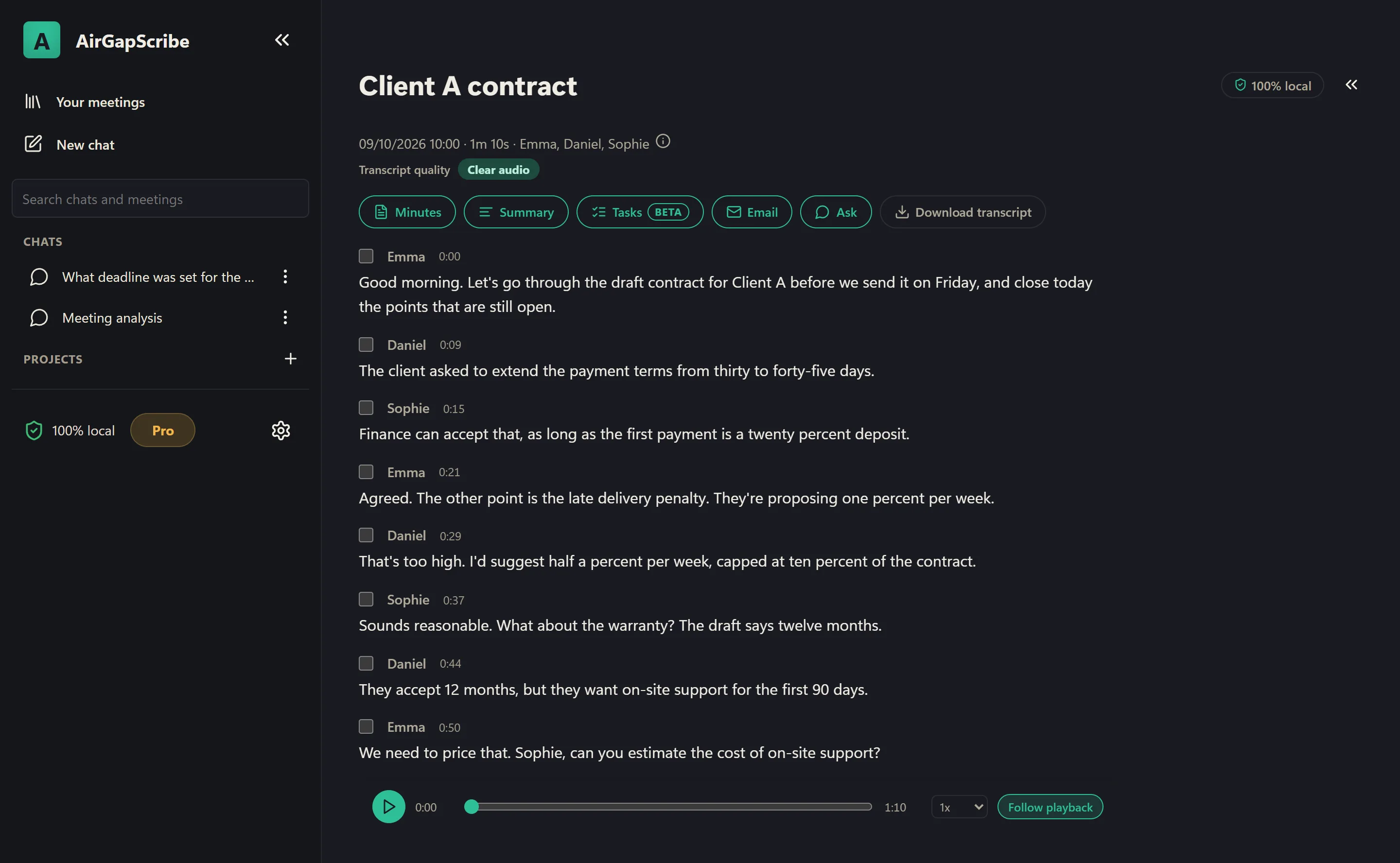
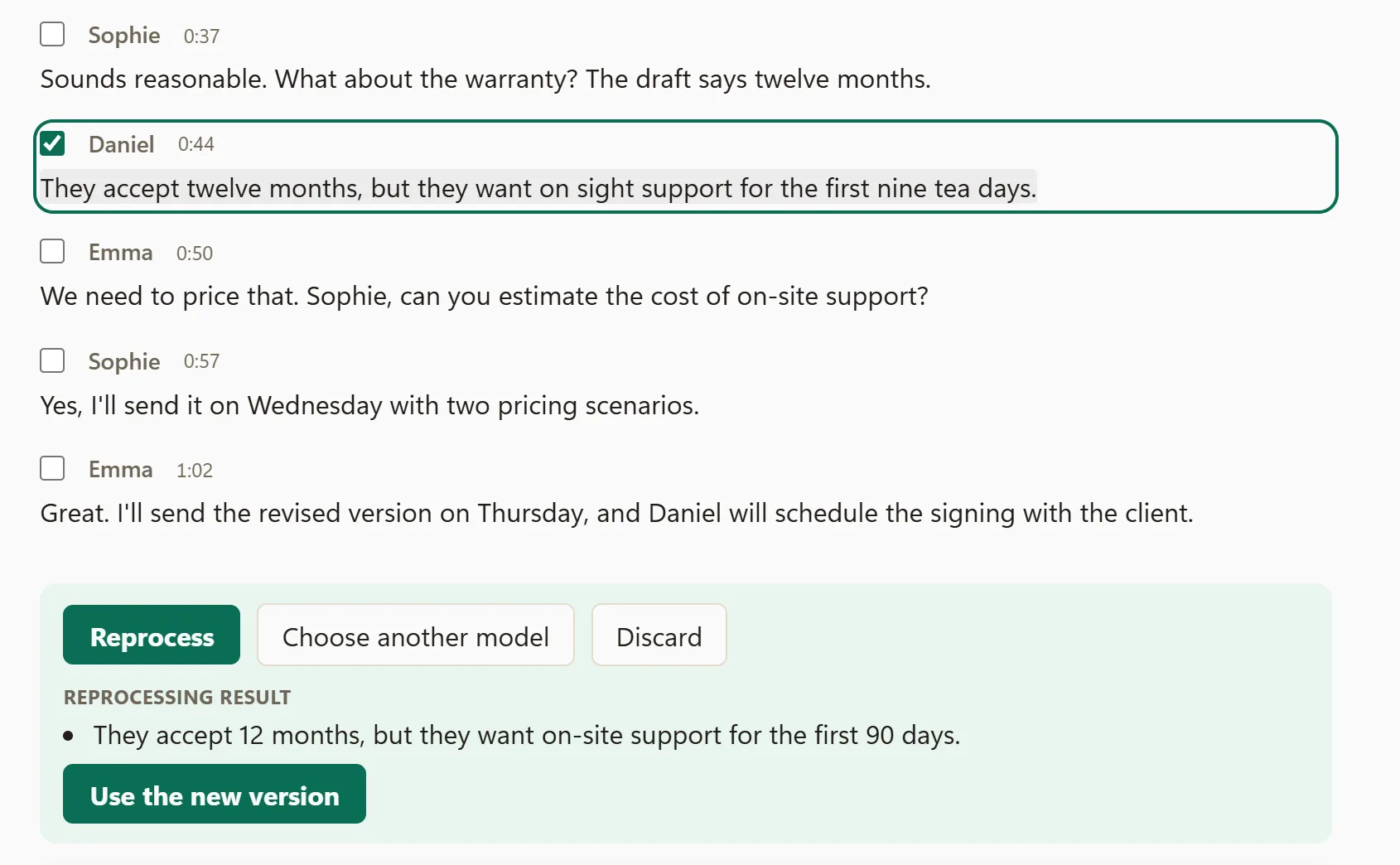
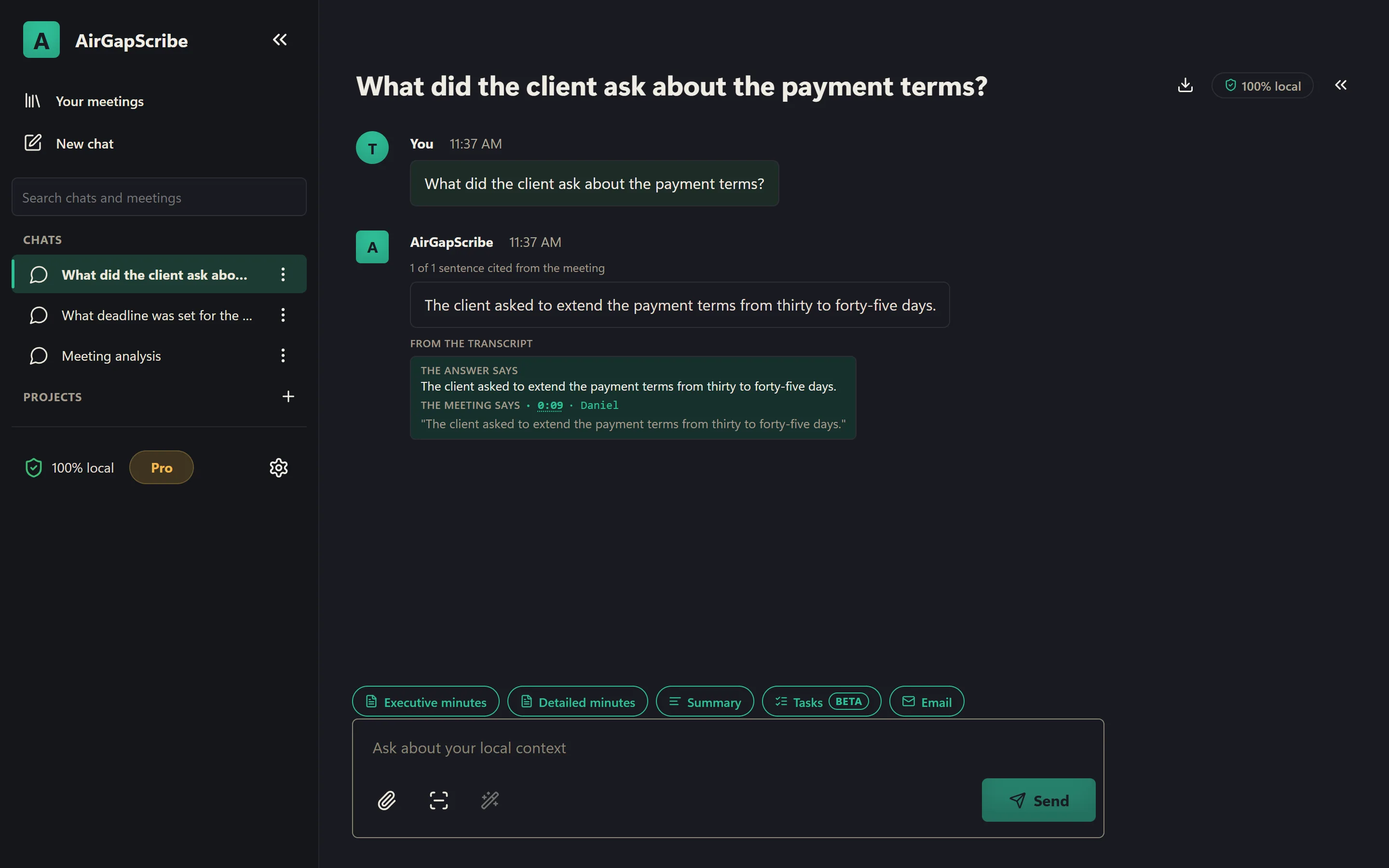
Pro adds a local AI engine over your transcripts. Ask about a live meeting or a saved one and generate executive minutes, detailed minutes, a summary, tasks, or an email draft — edit them right there if something needs fixing, without uploading audio or documents.

Local AI ready to answer
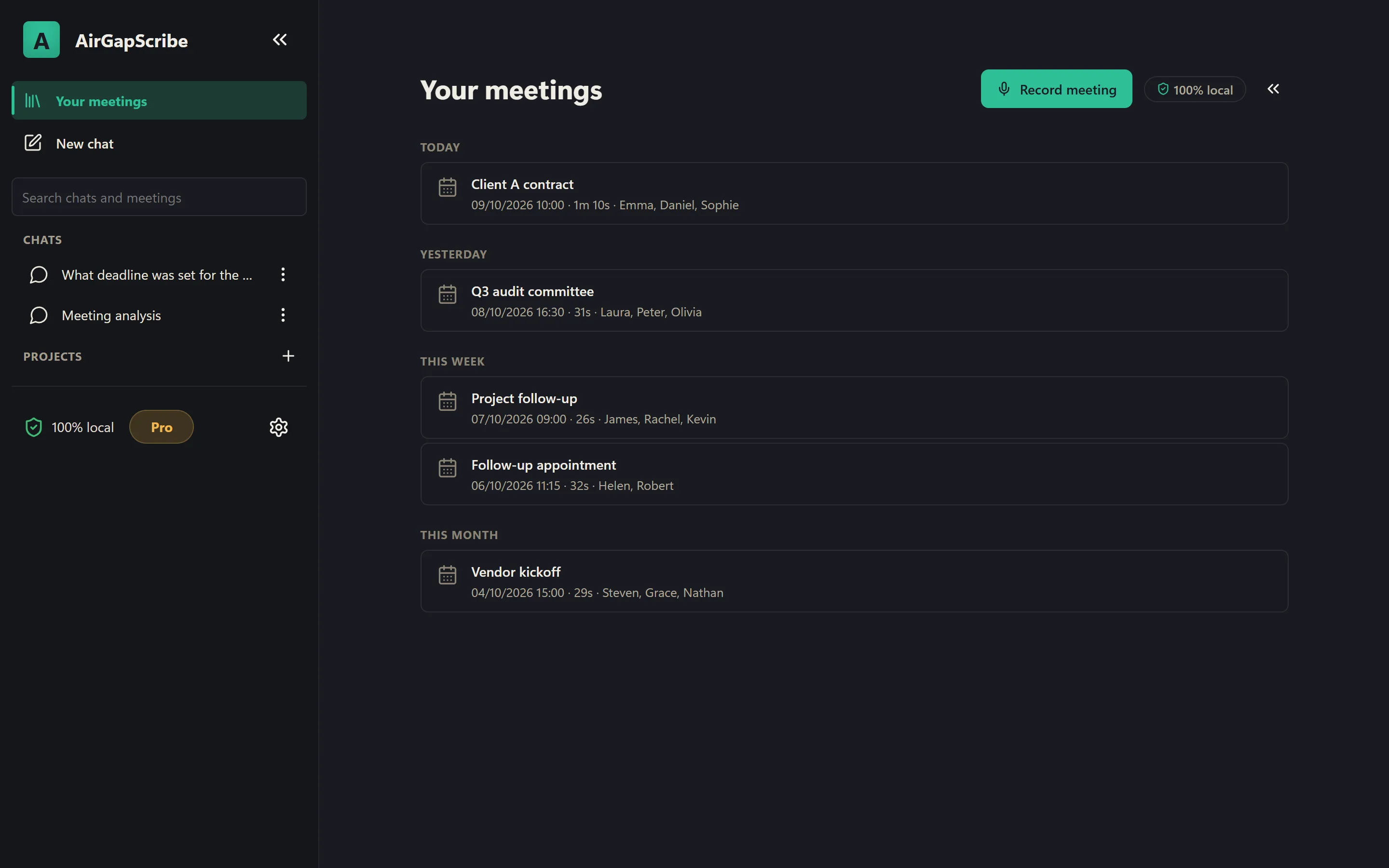
Organize meetings into projects by client or case
Minutes, tasks, and email drafts — editable, not just a summary
Choose your local model: faster or more accurate
See each meeting's audio quality before you trust the transcript
Open your recordings or transcripts folder in one click
Live, word-by-word responses — stop them anytime
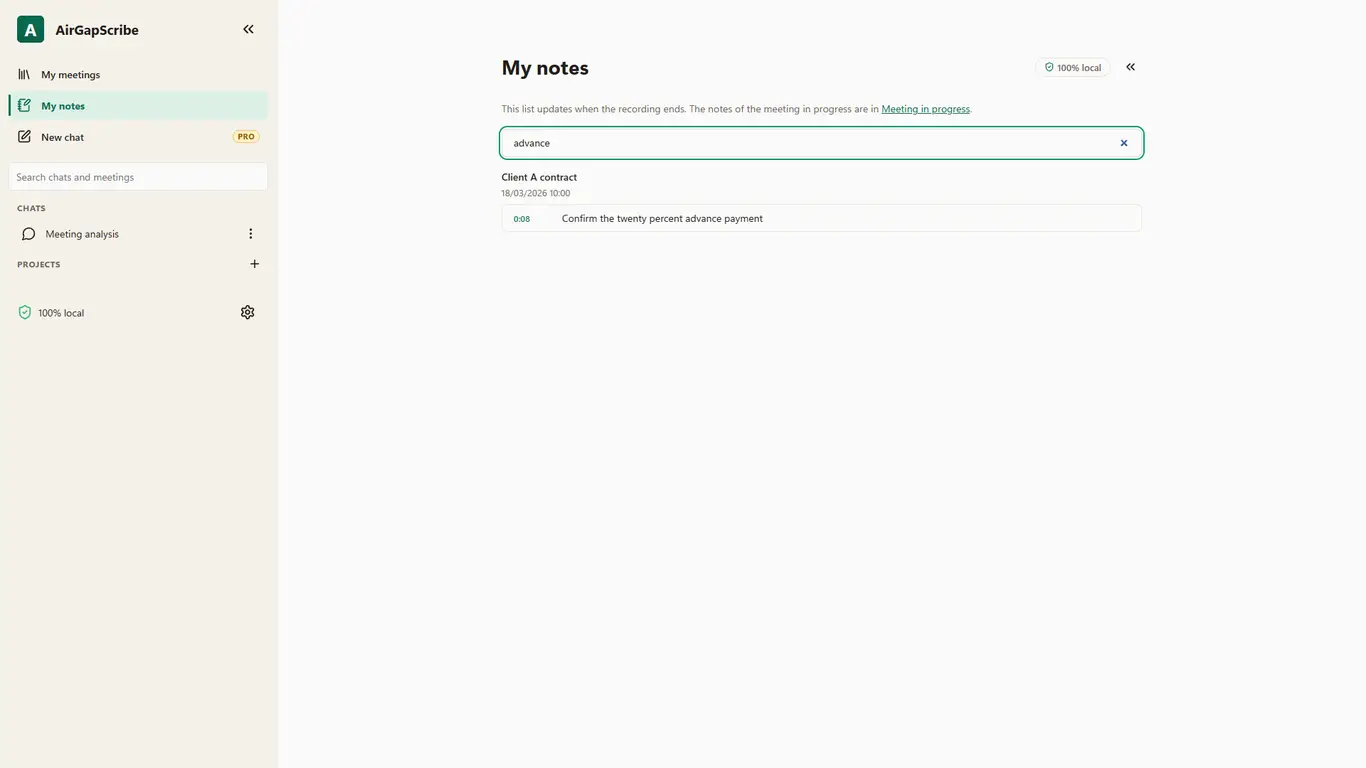
Search across every meeting and chat instantly
With an NVIDIA GPU, the app offers to speed it up: minutes become seconds
Drag meetings into context and reorder your chats however you like
Export to Markdown or plain text, in light or dark mode
Activate Pro assistant
Meeting Assistant — ProLocal AI ready
AirGapScribe Pro assistant settings: local model choice and recordings/transcripts folders, 100% local
100% localno audio uploadmeeting context
who this is for

Built for the ones who can't risk the data.

one click from the tray

Start in
one click nothing to open

AirGapScribe lives in the Windows tray and starts with the system. One click and it is already recording: no app to open, no bot to invite into the call.

  1. 01 · one click
  2. 02 · transcribes
  3. 03 · deliverables
sent to the cloud
0bytessent to the cloud
minutes · email · tasks
3docsminutes · email · tasks
.txt .md .pdf .docx context
4formats.txt .md .pdf .docx context
Pro per month · free Demo
5.99usdPro per month · free Demo
free demo · go pro when you need it

Start free, go Pro anytime

  • Demo

    0free forever

    No account, no card.

    • One-click record from the tray
    • Sessions up to 10 min
    • Models tiny · base · small
    • Up to 15 vocabulary terms
    • Export .txt (watermarked)
    • 100% local & private
    Download Demo
  • Pro

    Recommended
    5.99USD / mo
    • Everything in Demo, plus:
    • Unlimited sessions
    • Local meeting assistant
    • Minutes, follow-up email, and tasks
    • Projects and multi-meeting questions
    • PDF/DOCX/TXT/MD context attachments
    • All models (medium · large-v2 · large-v3)
    • Unlimited vocabulary & profiles
    • Clean .txt + .json export

Secure checkout via Paddle · taxes, receipts, and subscription managed by Paddle · cancel anytime.

Unlock
the Pro workflow today

Install the Demo from Microsoft Store and activate Pro when you want every meeting turned into minutes, follow-ups, tasks, and local search.